How to Convert Your Podcast into Engaging Videos: A Step-by-Step Guide with Podeo.ai
Podcast to video
6 Min Read

Most podcasts are only heard. The listeners you already have find you in a podcast app, but new listeners are searching somewhere else: YouTube. Converting your podcast to video puts every episode where people are actively looking for something to watch, and gives it a second life long after the audio release.
This guide walks through the full process, from picking the right format to publishing a finished episode on YouTube. It also shows how Podcast to Video AI tools like Podeo.ai do the heavy lifting, so you do not need a video editor or a camera.
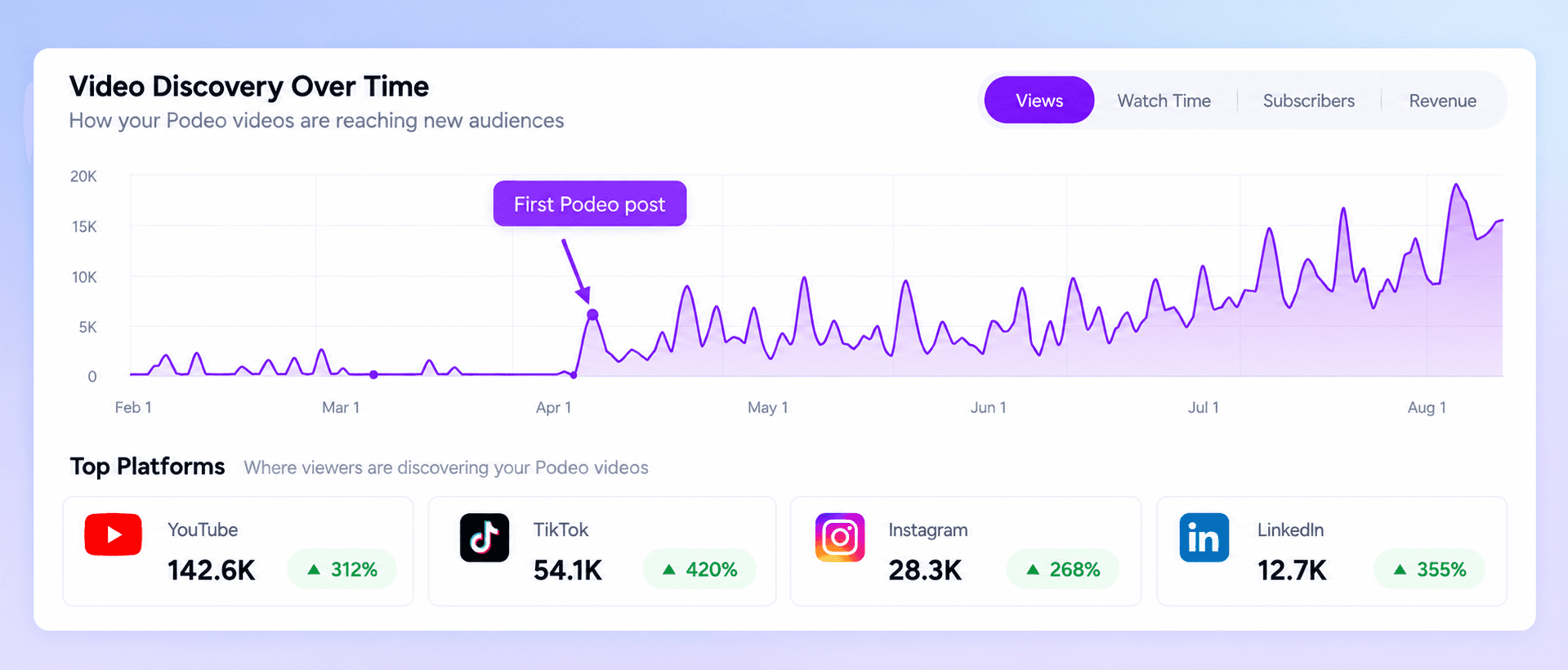
Why convert a podcast to video?
Get discovered, not just downloaded.
Podcast apps are built for people who already know your show. YouTube recommends videos to people who have never heard of you. YouTube now reports more than 1 billion monthly podcast viewers, and Edison Research lists it as the most used platform for podcasts in the US.Every episode becomes searchable.
A video with a clear title, description, chapters and captions can rank in YouTube and Google search for the topics you talk about. Audio alone cannot.Episodes keep working for longer.
An audio release peaks in its first week. A video keeps getting recommended for months.New ways to earn.
Video opens up YouTube ad revenue, memberships and sponsor reads that viewers actually see.
Pick the right video format
Format | What it is | Best for |
|---|---|---|
Full episode video | The whole episode with visuals, captions and b-roll that follow the conversation | YouTube growth and search |
Audiogram | A short audio clip over a waveform and a still image | Quick social teasers |
Talking head | Camera footage of the hosts and guests | Shows that already record video |
Short clips | 30 to 60 second vertical cuts of the best moments | TikTok, Reels and Shorts |
If you only record audio, a full episode video is the format that brings in new listeners. It is also the hardest to make by hand, which is why most podcasters never do it. That is the gap AI now closes.
How to convert a podcast to video with Podeo.ai: 5 steps
Step 1: Find your show and pick an episode
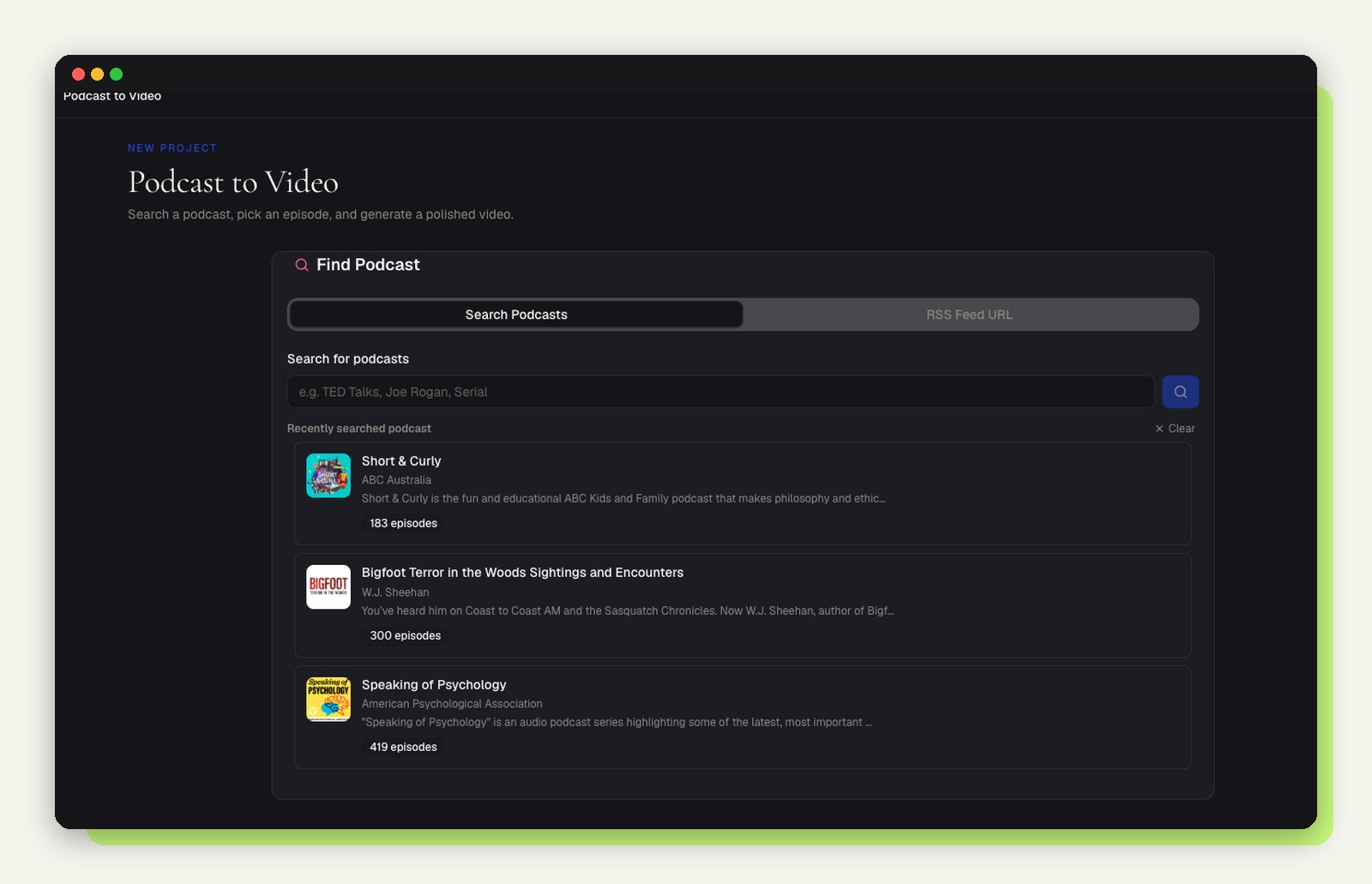
Search for your podcast by name or paste its RSS feed. Pick the episode you want as a video and choose landscape for YouTube, or portrait or square for social feeds. No file uploads and no exporting from your hosting platform.
Step 2: Let Podeo Director build the video

Podeo Director listens to the episode and writes a visual script, then renders the full video. It places stock footage where a clip fits the subject and generates a shot where nothing does, so the visuals change with what is being said. Captions are timed to each word, with translated subtitle tracks for the major languages.
Step 3: Adjust anything on the timeline
Happy with the AI build? Skip ahead. If you want a change, open the timeline editor and move any scene, caption or cut by hand, the same way you would in a normal video editor.
Step 4: Or just ask for the change
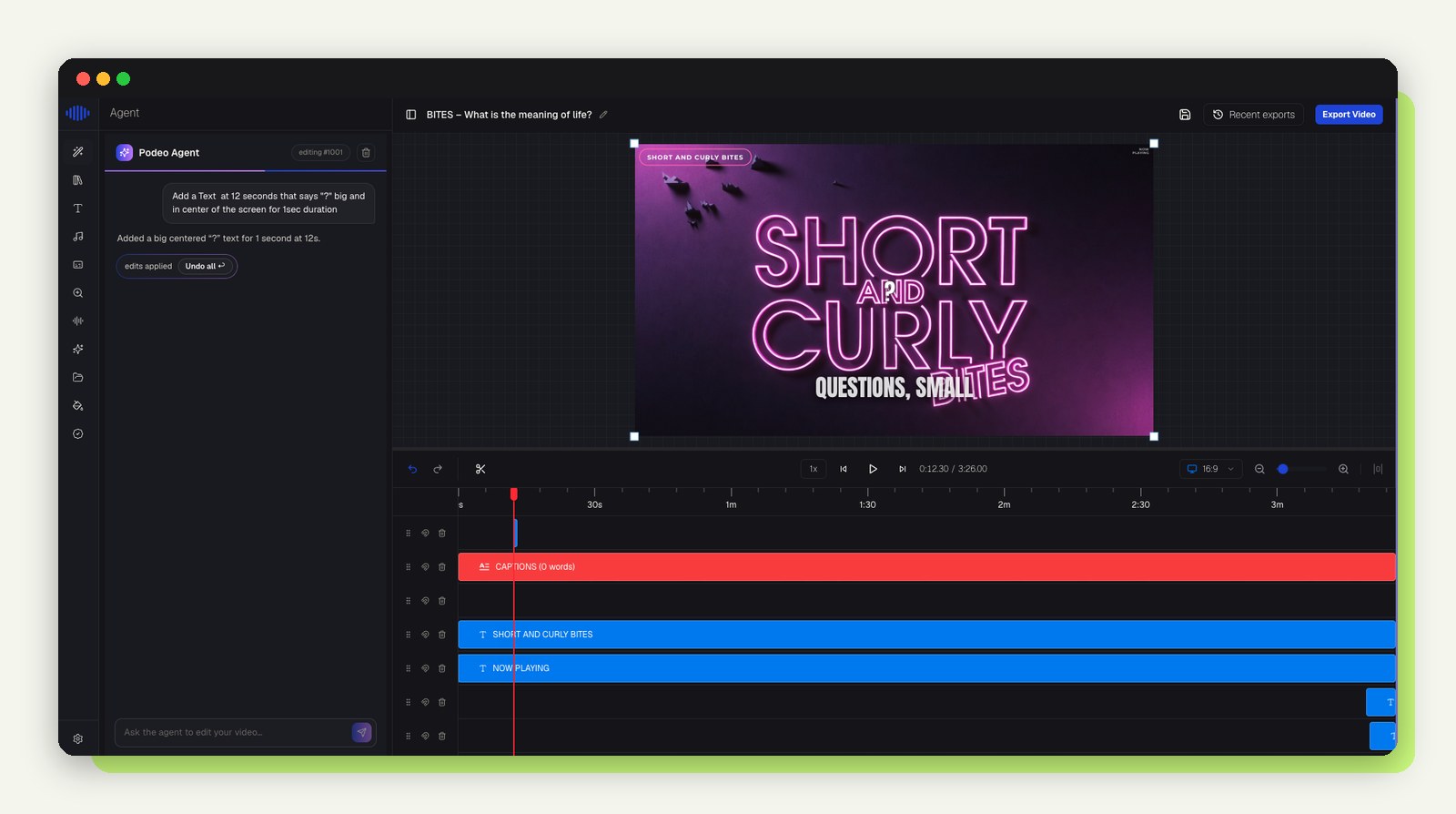
Type the edit into the chat box, for example "add a big title at 12 seconds that says Why this matters". Podeo Copilot makes the change, shows you exactly what it did, and lets you undo it in one click.
Step 5: Publish to YouTube, ready to be found
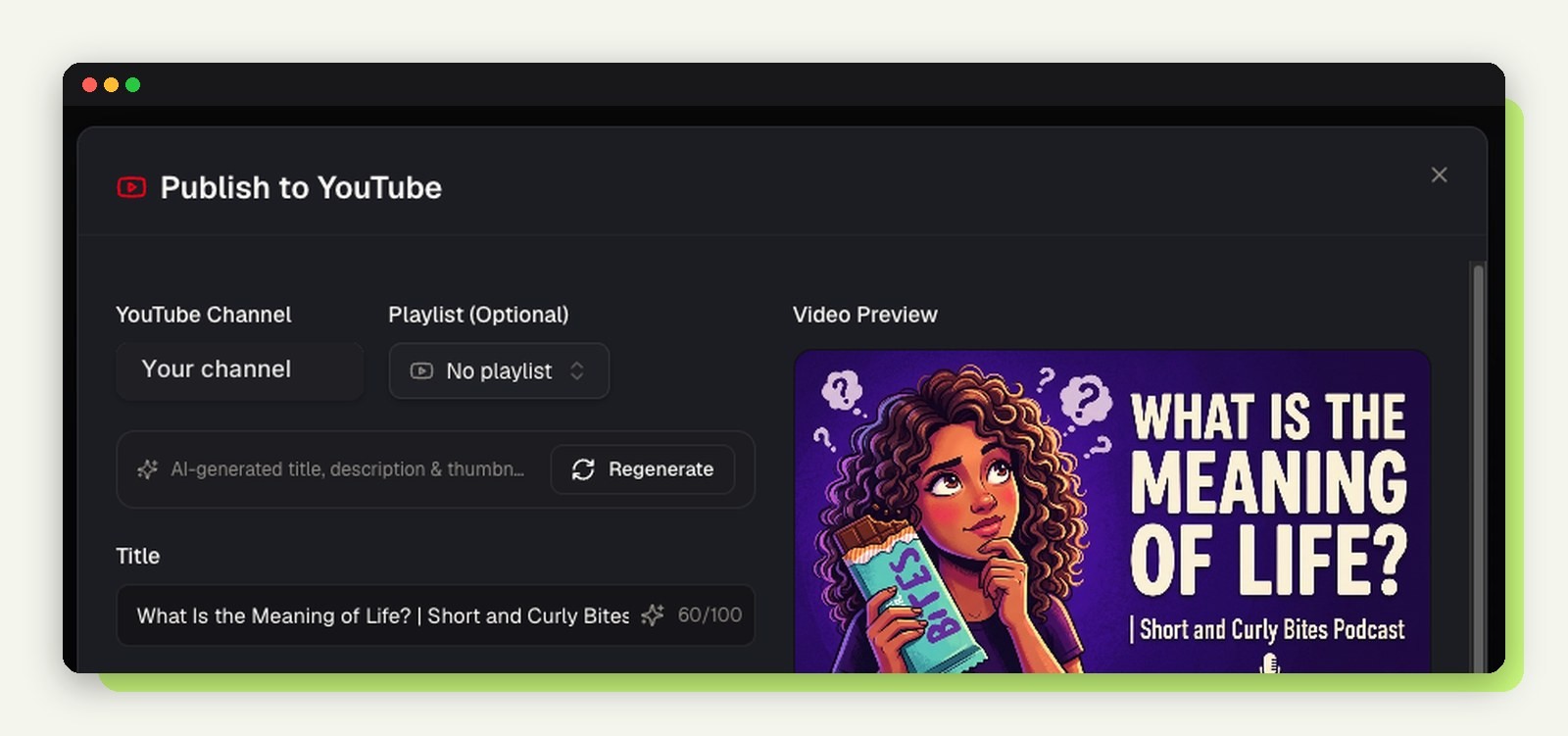
Every export comes with an AI written title, description, chapter markers and a thumbnail. Download the MP4 or publish straight to a connected YouTube channel. The discovery work that usually takes an hour per episode is already done.
Other tools, and when to use them
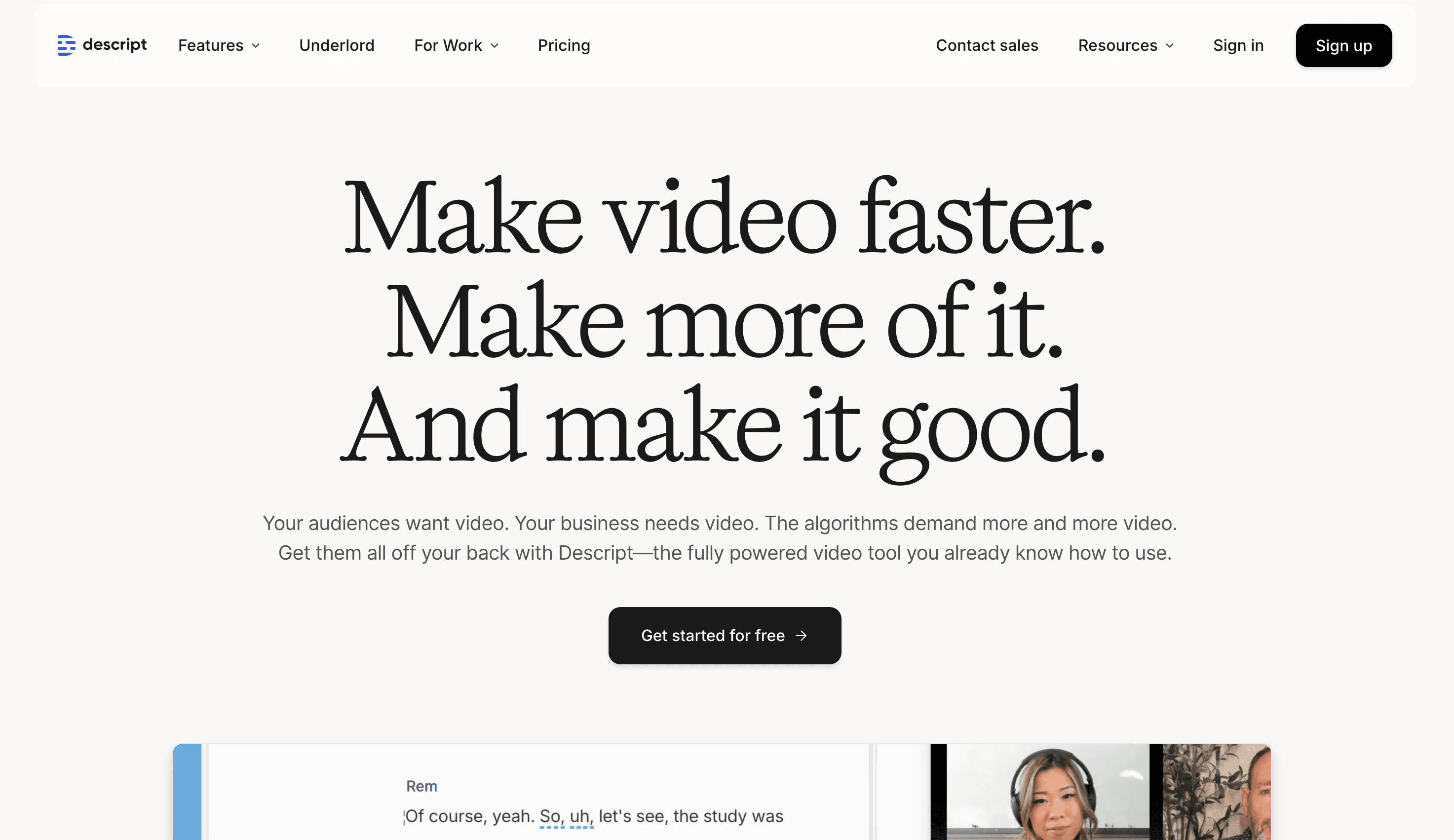
Descript: a strong choice if you already record video and want to edit it by editing the transcript.
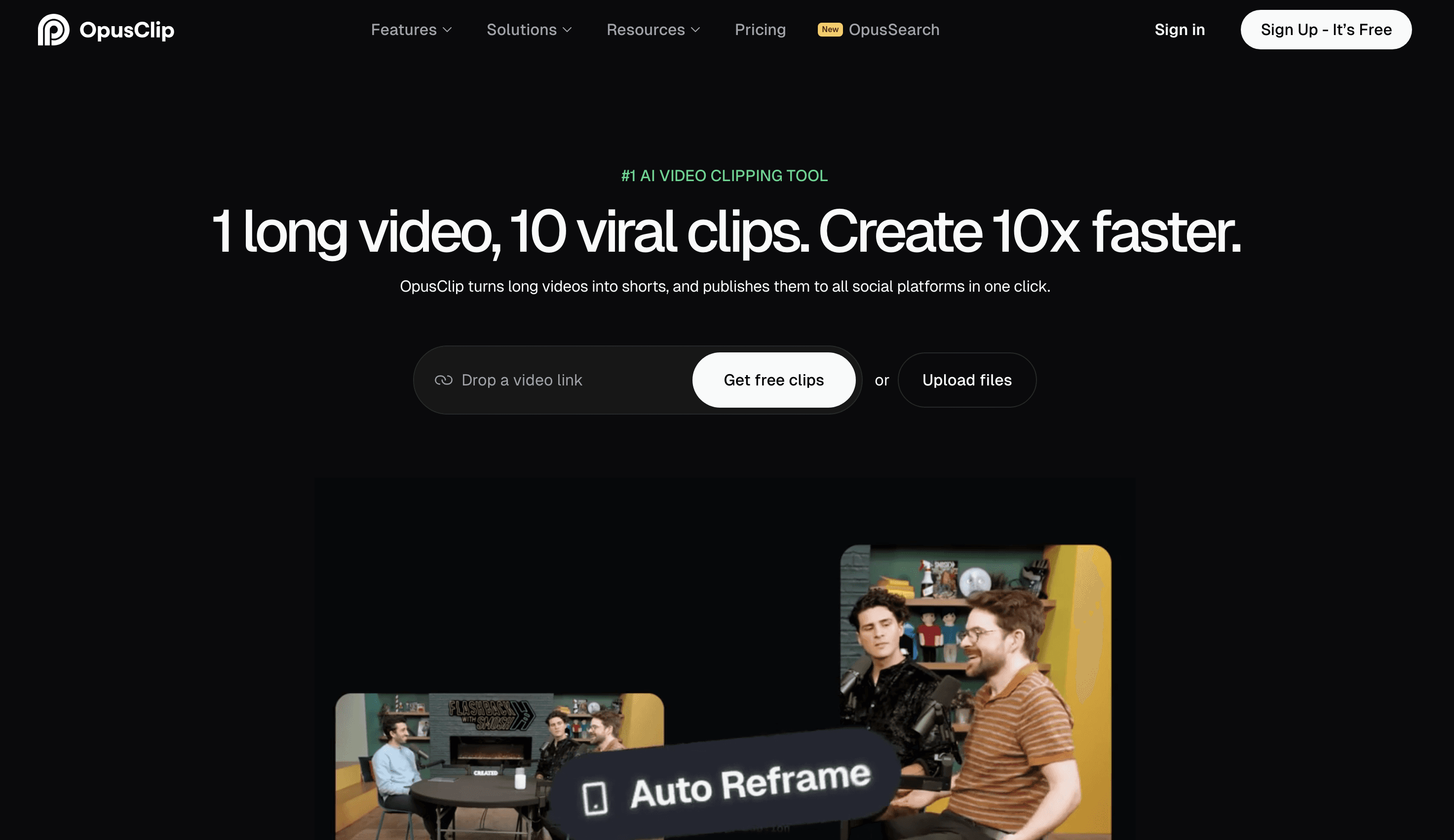
Opus Clip: cuts existing long videos into short vertical clips. It needs video to start from, so it pairs well with a full episode video.
Headliner: quick audiograms for social teasers.
If you record audio only and want the whole episode on YouTube, Podeo.ai is built for exactly that job.
Tailor each video for its platform
YouTube (16:9 landscape)
Put the topic in the title, not the episode number. "How to price freelance work" beats "Episode 42".
Add chapters so viewers can jump to the part they came for.
Link back to your podcast in the description and pin a comment.
Instagram, TikTok and Shorts (9:16 vertical)
Keep clips between 15 and 60 seconds and open on the strongest line.
LinkedIn (1:1 square)
Share expert moments and practical tips, with captions on.
Best practices
Sound quality first. Viewers forgive simple visuals, not bad audio.
Always caption. Many people watch on mute, and captions help search engines understand the video.
Stay consistent. Same brand colours, logo and thumbnail style on every episode.
Publish every episode. A channel grows from a steady back catalogue, not one viral upload.
Watch the numbers. Track click through rate and average view time, then improve titles and thumbnails.
Key takeaways
YouTube is where new podcast listeners are searching, so audio alone leaves them out.
A full episode video is the format that drives discovery for audio-only shows.
Podeo.ai turns an episode into a finished, captioned video with b-roll, chapters and a thumbnail, with no editing needed.
Titles, chapters and thumbnails matter as much as the video itself.
Ready to get your podcast discovered on YouTube?
Pick your next episode and turn your podcast into a YouTube video with Podeo.ai. The free trial is enough to build your first one.
Join our newsletter list
Sign up to get the most recent blog articles in your email every week.
Similar Topic