Video style

Stick Figure Animation Maker

Stick Figure Animation Maker

Stick Figure Animation Maker

Write one sentence. Adori writes the scenes, draws every picture in the Stick Figure style and speaks the narration. You get a finished video, in one look, from the first shot to the last.

Write one sentence. Adori writes the scenes, draws every picture in the Stick Figure style and speaks the narration. You get a finished video, in one look, from the first shot to the last.

Write one sentence. Adori writes the scenes, draws every picture in the Stick Figure style and speaks the narration. You get a finished video, in one look, from the first shot to the last.

Stick Figure AI video style sample

Best for

Concept explainers, lessons, internal comms

Concept explainers, lessons, internal comms

A prompt that works

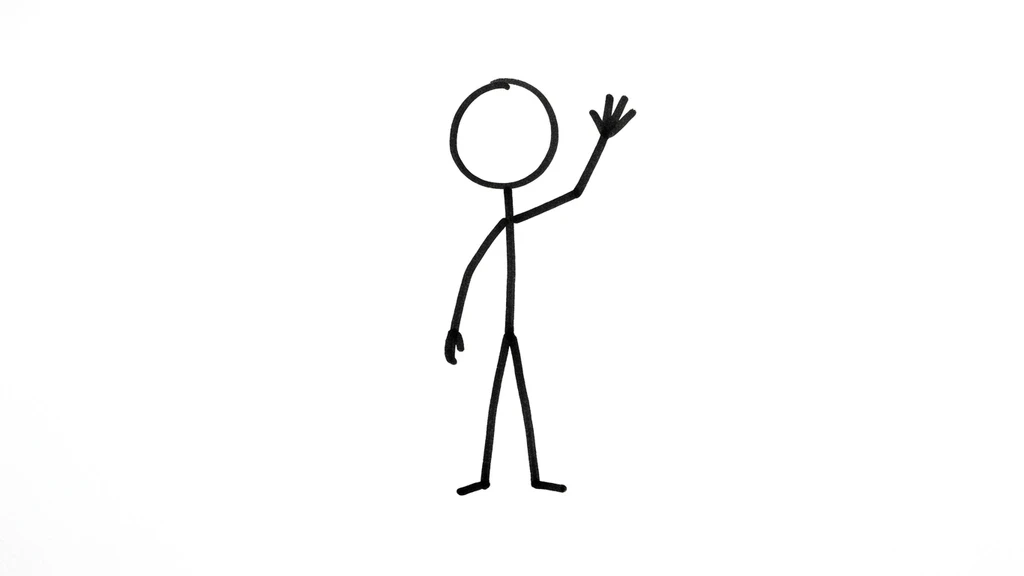
A single stick figure waving on a plain white background

A single stick figure waving on a plain white background

What the Stick Figure style looks like

Hand-drawn black stick figures on a plain white background, simple clean marker lines, one accent colour and generous empty space.

Every scene in the video is made in this one look, so the video holds together instead of changing medium halfway through. The stick figure performs one simple action with clean marker lines, while the white background stays completely still.

What this style is good for

Quick concept explainers, internal comms, lesson intros and anything where the idea matters more than the picture.

How to make a Stick Figure video

Paste a script, a blog link, a PDF or just an idea. Pick AI Generated Images as the media type and choose this style. Adori writes the scenes, generates every picture in the same look, speaks the narration and hands you an editable timeline. Change any scene you want, then export.

The same characters, scene after scene

If your script has recurring people, Adori draws a reference sheet for each one before it makes any scene, then uses that sheet in every picture. The same person stays the same person from the first shot to the last, which is the part most AI video tools still get wrong.

Frequently asked questions

Short answers on how this style works, what it costs and what you can start from.

Can I make a stick figure video for free?

Can I make a stick figure video for free?

You can start on the free plan and make a short video to see the style. Longer videos and exports without a watermark need a paid plan.

You can start on the free plan and make a short video to see the style. Longer videos and exports without a watermark need a paid plan.

Will every scene match?

Will every scene match?

Yes. The Stick Figure style is chosen once for the whole project and applied to every picture, and recurring characters are drawn from a reference sheet so they stay consistent.

Yes. The Stick Figure style is chosen once for the whole project and applied to every picture, and recurring characters are drawn from a reference sheet so they stay consistent.

What can I give it to start from?

What can I give it to start from?

An idea, a script, pasted text, a blog URL, a PDF, an audio file or a podcast episode. Adori writes the scenes from whichever you give it.

An idea, a script, pasted text, a blog URL, a PDF, an audio file or a podcast episode. Adori writes the scenes from whichever you give it.

Can I narrate it in another language?

Can I narrate it in another language?

Yes. Adori speaks the narration in 75 languages, including Hindi, Tamil, Spanish, Arabic and Japanese.

Yes. Adori speaks the narration in 75 languages, including Hindi, Tamil, Spanish, Arabic and Japanese.

Make your first video today

Make your first video today

Make your first video today

One sentence in, a finished video out. Pick a style, pick a language, and Adori does the rest.

One sentence in, a finished video out. Pick a style, pick a language, and Adori does the rest.