Turn Long Videos Into Viral Short Clips With AI

Turn Long Videos Into Viral Short Clips With AI

Upload a podcast, webinar, or YouTube video and AI finds the best moments, reframes them, and adds captions - Try It Free

Upload a podcast, webinar, or YouTube video and AI finds the best moments, reframes them, and adds captions - Try It Free

Over 500+ Five Star Reviews

Sitting on hours of long-form content? Adori’s AI Clipper finds the most engaging moments and turns them into scroll-stopping Shorts, Reels, and TikToks automatically.

Sitting on hours of long-form content? Adori’s AI Clipper finds the most engaging moments and turns them into scroll-stopping Shorts, Reels, and TikToks automatically.

Adori’s AI Clipper turns long videos, podcasts, and webinars into short viral clips. AI detects highlights, auto-reframes to vertical, adds animated captions, and scores virality—ready for YouTube Shorts, Reels, and TikTok.

Adori’s AI Clipper turns long videos, podcasts, and webinars into short viral clips. AI detects highlights, auto-reframes to vertical, adds animated captions, and scores virality—ready for YouTube Shorts, Reels, and TikTok.

From One Long Video to Ten Shorts in Minutes

From One Long Video to Ten Shorts in Minutes

From One Long Video to Ten Shorts in Minutes

Sitting on hours of long-form content? Adori’s AI Clipper finds the most engaging moments and turns them into scroll-stopping Shorts, Reels, and TikToks automatically.

How Adori’s AI Clipper Works

Drop in a long video or link, and AI handles highlight detection, vertical reframing, captions, and export for every platform.
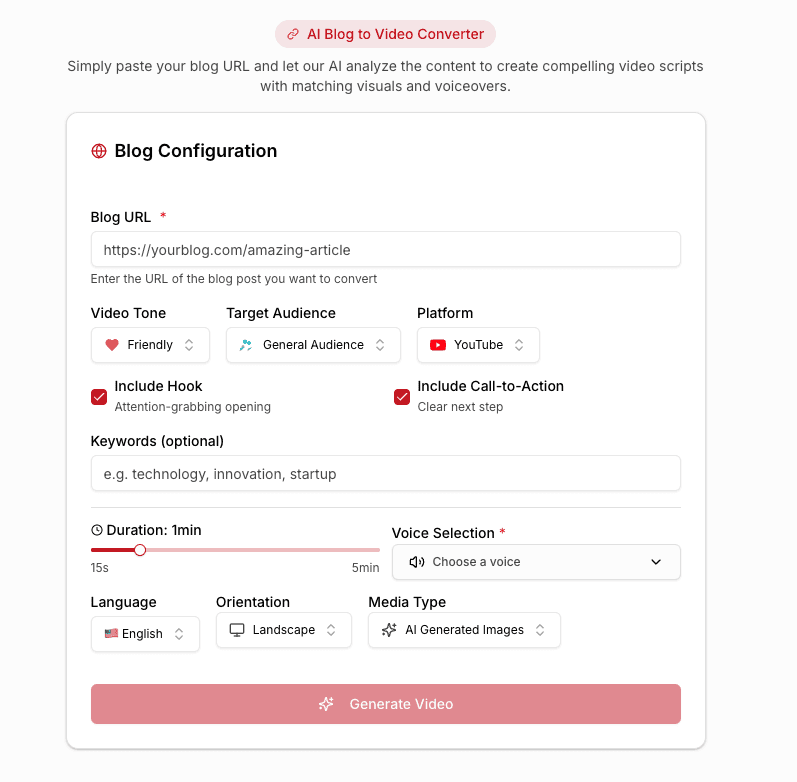
Adori AI Blog to Video User Interface

Upload or Paste a Link

Add a file or paste a YouTube, podcast, or webinar link. AI transcribes and analyzes the full recording.

Paste Link

File Upload

Auto Transcribe

AI Highlight Detection

AI spots the hooks, punchlines, and key insights most likely to perform and cuts them into clips.

Best Moments

Virality Score

Topic Detection
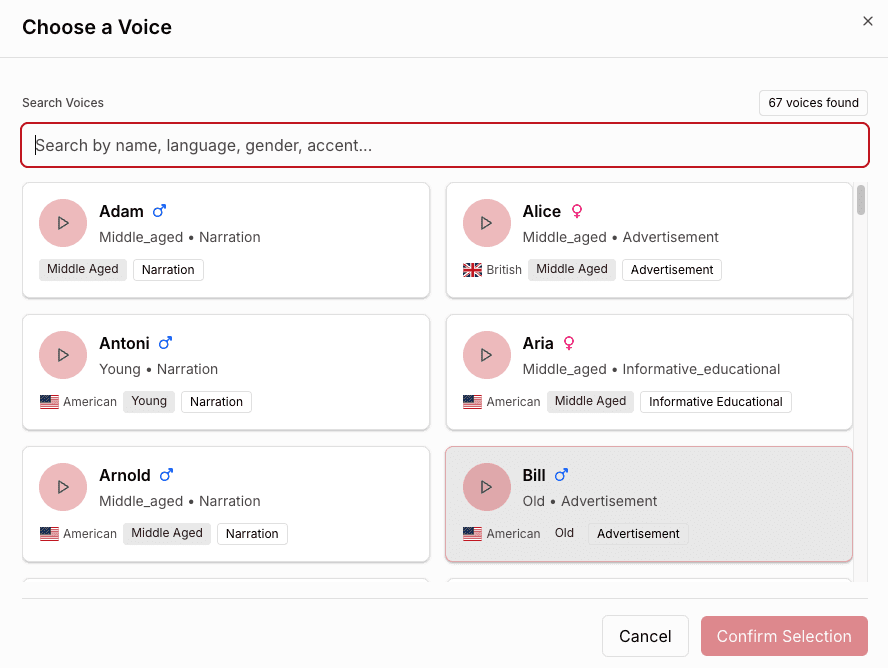
Adori AI Blog to video voice selection
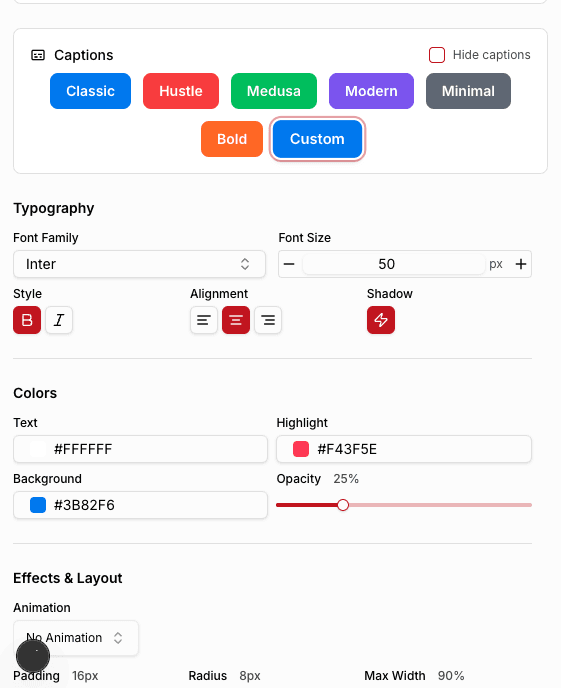
Adori AI blog to video caption selection

Auto-Reframe & Captions

Clips are reframed to vertical with speaker tracking and get bold animated captions automatically.

9:16 Reframe

Speaker Tracking

Animated Captions

Polish & Publish

Add titles, B-roll, and music, then export clips sized for Shorts, Reels, TikTok, and LinkedIn.

Copyright Free

Trending

B-Roll
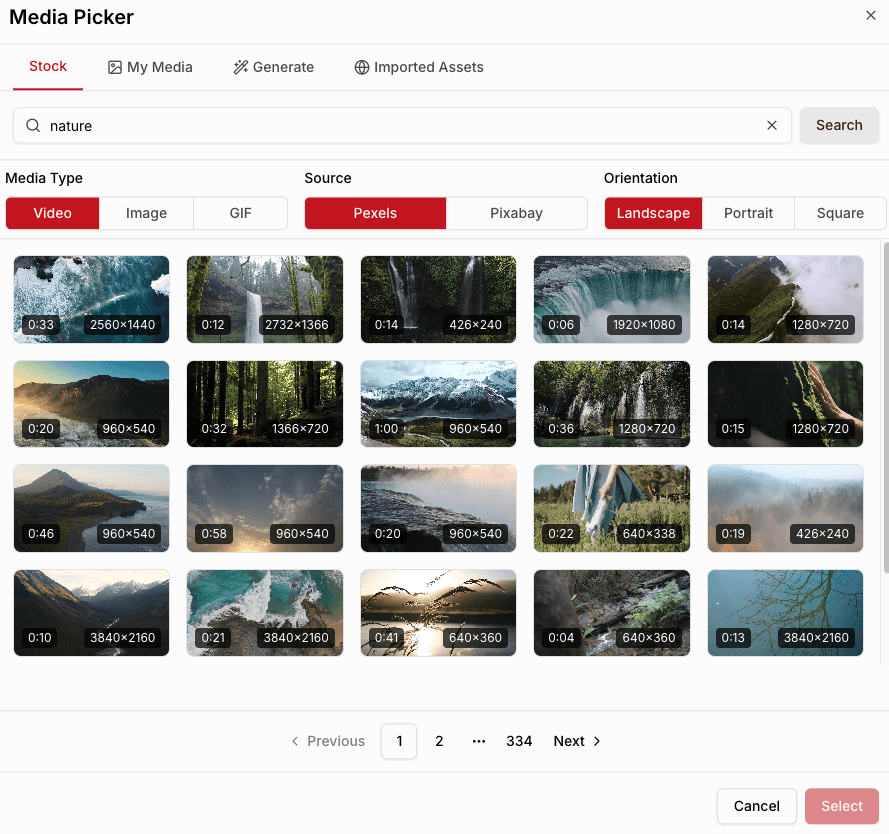
Adori AI media asset library

When video matters, they choose Adori AI!

When video matters, they choose Adori AI!

When video matters, they choose Adori AI!

Adori AI client Mac logo
Adori AI client an openweb logo
Adori AI client fairstone logo
Adori AI client openlogic systems logo
Adori AI client computer warriors logo
Adori AI client LRS logo
Adori AI client 10 times logo
Adori AI client wahaya it logo
Adori AI client Mizzou logo

Frequently Asked Questions

We’ve gathered all the important info right here. Explore our FAQs and find the answers you need.

What is an AI clipper?

An AI clipper automatically finds the best moments in long videos and turns them into short, captioned clips.

What can I clip?

Podcasts, YouTube videos, webinars, interviews, livestreams, and other long-form recordings.

Does it reframe videos to vertical?

Yes. Clips are auto-reframed to 9:16 with speaker tracking for Shorts, Reels, and TikTok.

Can I edit the clips AI selects?

Absolutely. Adjust start and end points, captions, titles, and styling before exporting.

Can I paste a YouTube link?

Yes. Paste a link and Adori will fetch, transcribe, and clip the video for you.

Is there a free plan?

Yes! Try the AI Clipper free with limited exports—no credit card required.